Which payers and codes are covered?
Seven large commercial payers, and DMEPOS codes sold in category bundles. Your workspace sees the codes in the bundles it holds.
1 video · 9 sec in all · 1 written guide
Written guide
See which payers and codes are covered
Step by step
Before you start. The app reads rates for the payers named on the payer pages of payortransparency.com, and for the HCPCS codes in its code bundles.
- Click your initials at the top right, then choose Profile & preferences.
- Click the Code bundles tab. Each card names a bundle, such as Urological, Ostomy Supplies or OTS Knee, and lists its codes.
- A long code list ends in a count such as +11 more. Click the list to show every code.
- The line under the codes gives how many payers filed rates for that bundle, the latest month and the number of rate rows.
- On Rate Watch, the Payers tile shows how many payers have rates for the place on screen.
What you see. Codes your workspace does not hold show under Not in your bundles on Rate Watch, below the table.
Tip. The payer pages in the Code Hub on payortransparency.com describe what each payer publishes.
- Use case
- Which payers and codes are covered?
- Feature
- Payers, codes and bundles covered
- Task
- See which payers and codes are covered
Video 1 of 1 · 9 sec
Look up a code in the Code Hub
Captions are in the video. The steps and the full narration are below.
Step by step
Before you start. The Code Hub is on payortransparency.com and needs no sign-in.
- On payortransparency.com, open Resources in the top bar and click Code Hub.
- Click the Codes tab.
- Click a code, such as A4352, to read it.
What you see. The code page shows the long description, the policy that governs the code, its related codes and the sources it was read from.
Tip. The Code Hub is public and covers Medicare only. Commercial rates are in the app.
Read the narration
Open Resources, choose Code Hub, click Codes, then pick a code like A4352.
Screens from this video
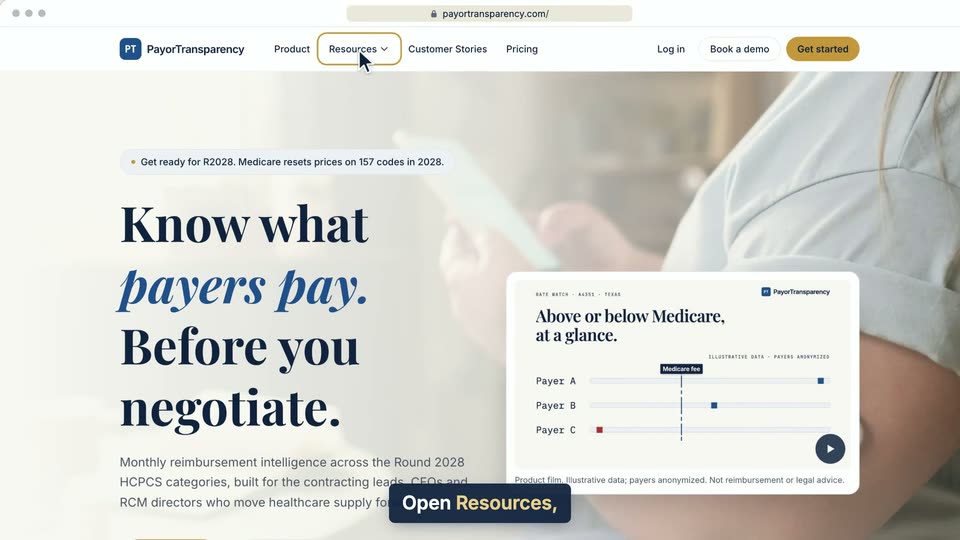
01 Open Resources, choose Code Hub, click Codes, then pick a code like A4352. 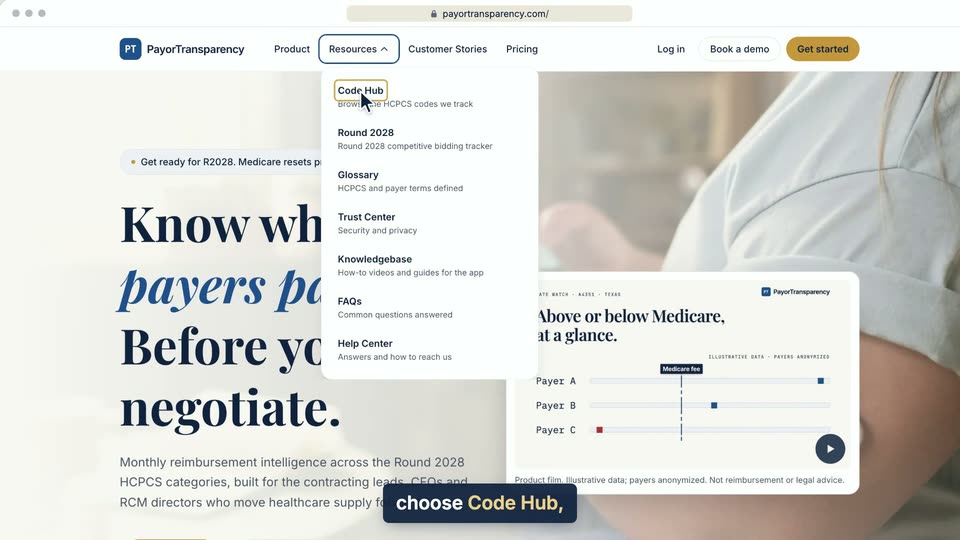
02 Open Resources, choose Code Hub, click Codes, then pick a code like A4352. 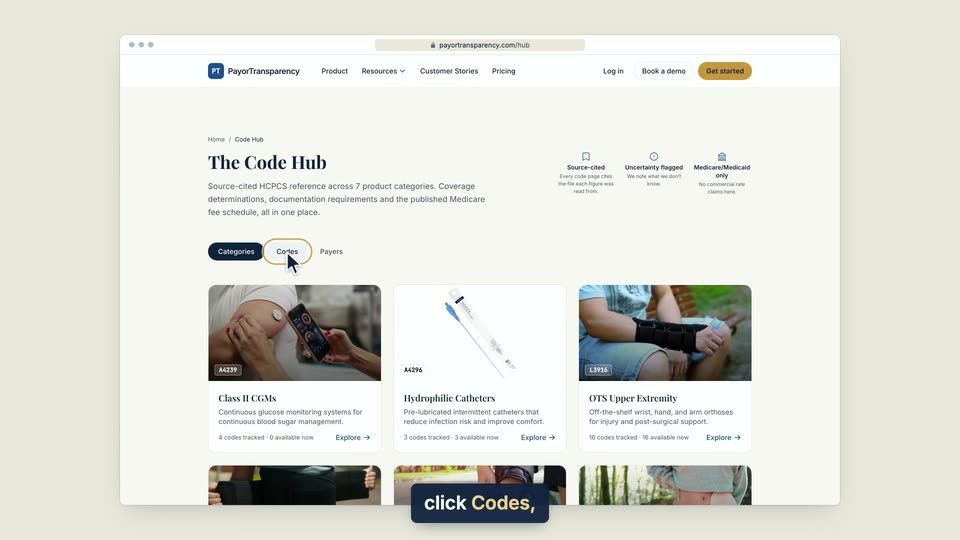
03 Open Resources, choose Code Hub, click Codes, then pick a code like A4352. 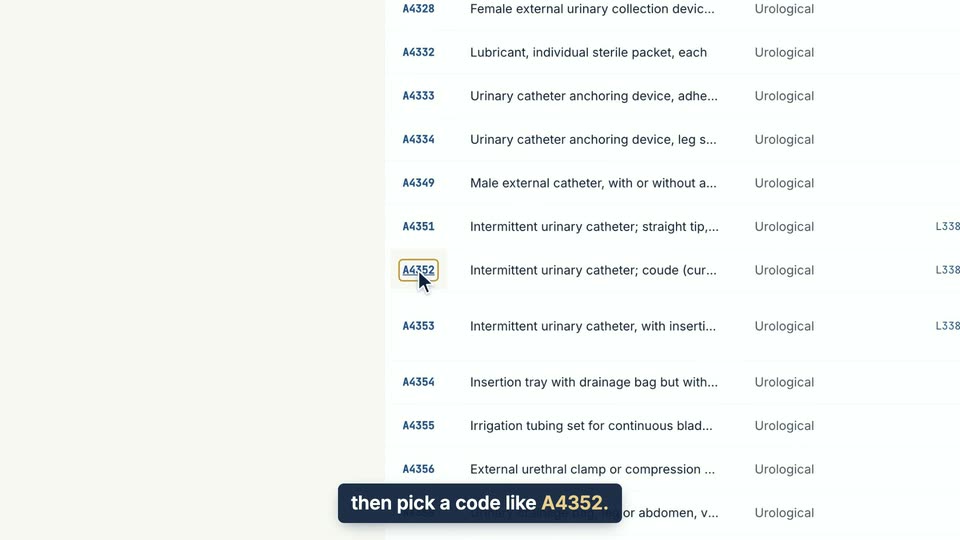
04 Open Resources, choose Code Hub, click Codes, then pick a code like A4352.
- Use case
- Which payers and codes are covered?
- Task
- Look up a code in the Code Hub