How do I follow Round 2028?
Open Rate Watch and click Round 2028 for key dates, pending bills and a plain-words brief on the program. It is free on every plan.
1 video · 8 sec in all
Video 1 of 1 · 8 sec
Open the Round 2028 tab
Captions are in the video. The steps and the full narration are below.
Step by step
Before you start. Click Rate Watch in the top bar.
- In the row of tabs under the Rate Watch title, click Round 2028.
- On the right, read Key dates for the program milestones and Pending bills for the bills that could change them.
- Below them, the Round 2028 brief explains the program in plain words. Click Read the full brief for the rest of it.
What you see. The Round 2028 feed on the left lists new program items once the daily check finds them.
Tip. Round 2028 is free on every plan, even before your workspace has a bundle.
Read the narration
On Rate Watch, click Round 2028. Key dates, Pending bills and the brief sit on the right.
Screens from this video
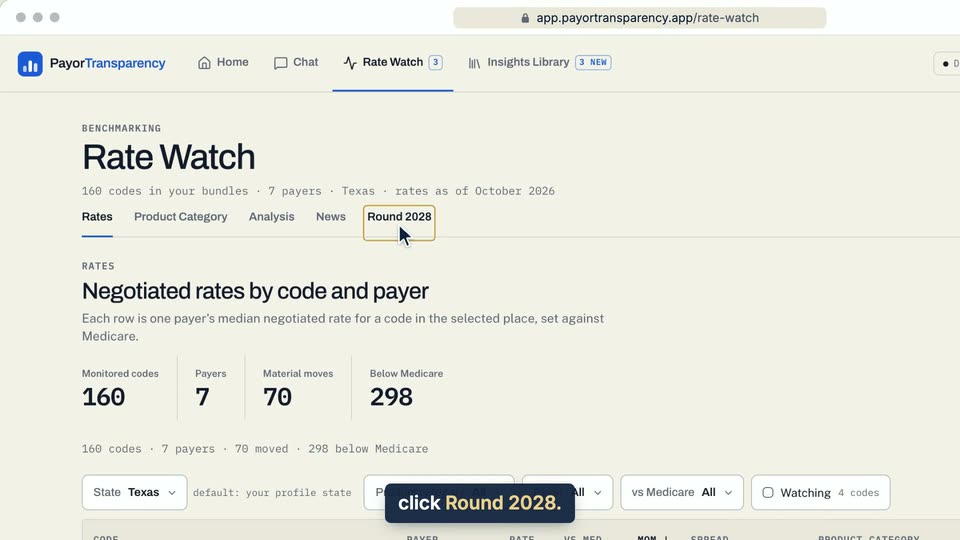
01 On Rate Watch, click Round 2028. 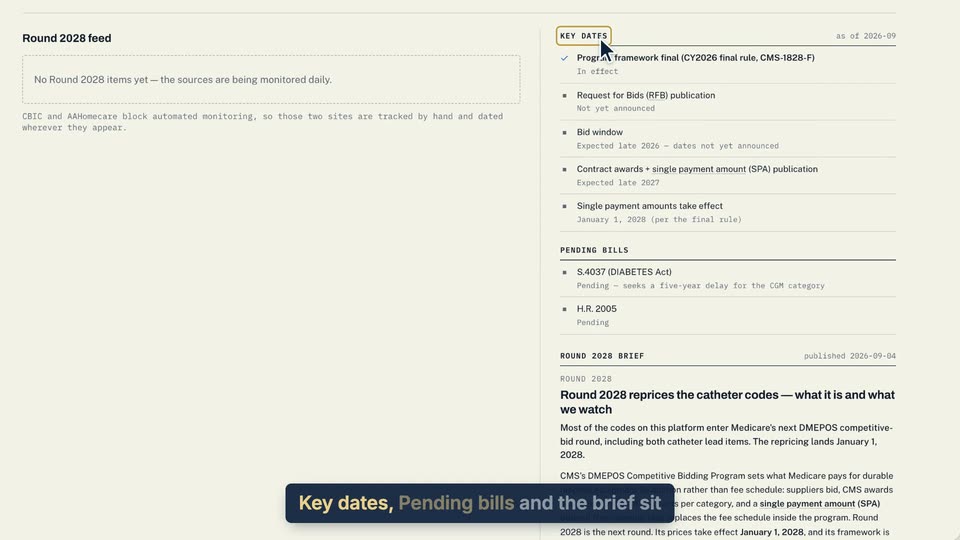
02 Key dates, Pending bills and the brief sit on the right. 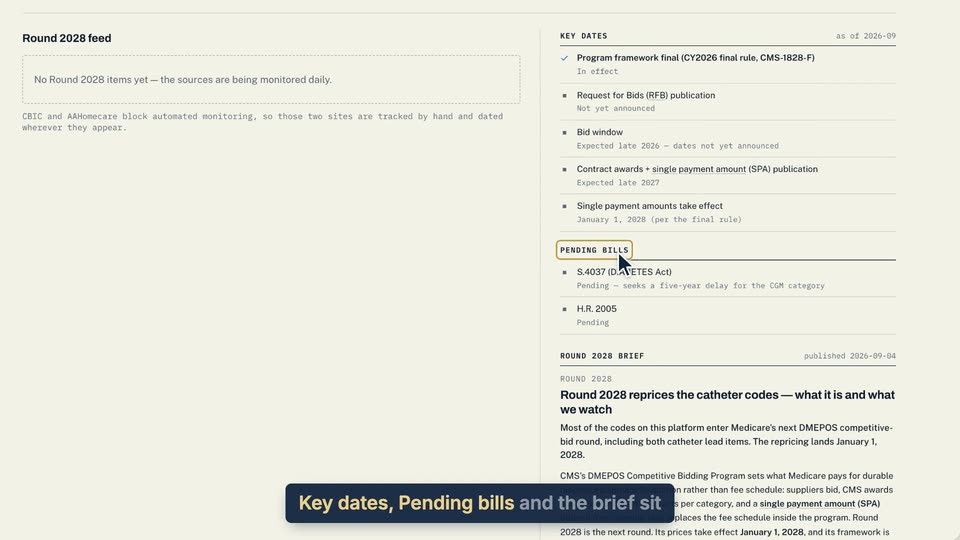
03 Key dates, Pending bills and the brief sit on the right. 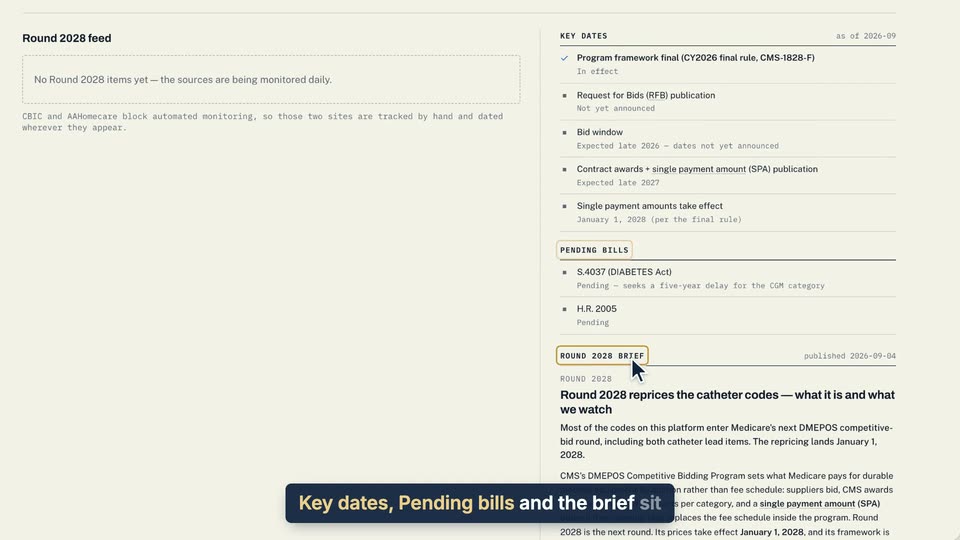
04 Key dates, Pending bills and the brief sit on the right.
- Use case
- How do I follow Round 2028?
- Feature
- Round 2028 tab
- Task
- Open the Round 2028 tab