How do I see one code across states?
In Rate Watch Analysis, choose Geo and pick a shading code. Each state is shaded by how its median compares with that state's Medicare fee.
1 video · 10 sec in all
Video 1 of 1 · 10 sec
Map a code across states
Captions are in the video. The steps and the full narration are below.
Step by step
Before you start. The map shows one code at a time and opens on one of the codes you watch.
- Click Rate Watch in the top bar, click Analysis, then click Geo.
- Open Shading code and choose a code from the list, such as A4351.
- Read the legend under the map. Below Medicare, Within 3%, +3% to +10% and +10% or more say how a state's median compares with that state's Medicare fee. No filing marks a state where no payer filed the code that month, and No Medicare fee marks a state with filings but no fee to compare against.
What you see. Every tile reshades for the code you chose, and the panel beside the map lists the selected state's payers.
Tip. Click a state tile to see its payers, and use Month to map an earlier month.
Read the narration
On the Geo map, open Shading code and choose A4351. The map reshades against state Medicare fees.
Screens from this video
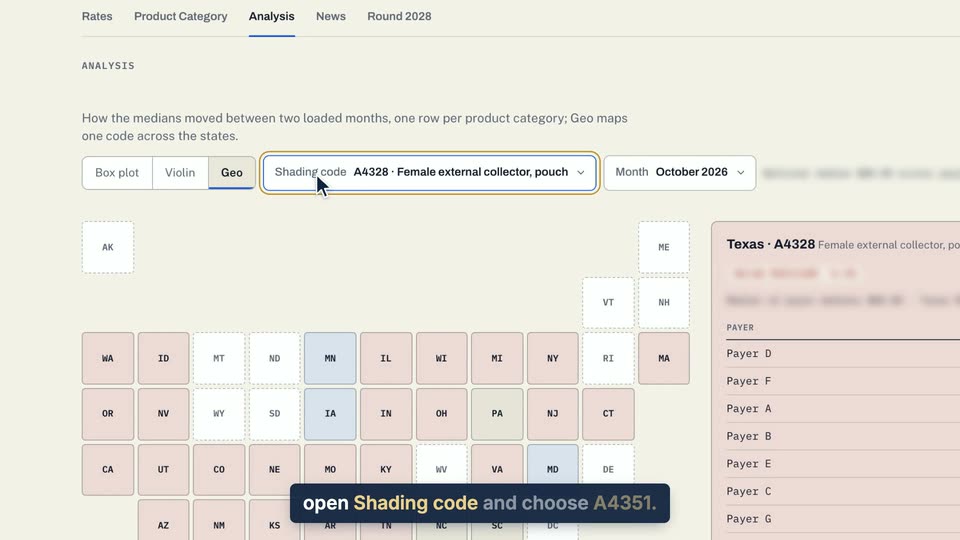
01 On the Geo map, open Shading code and choose A4351. 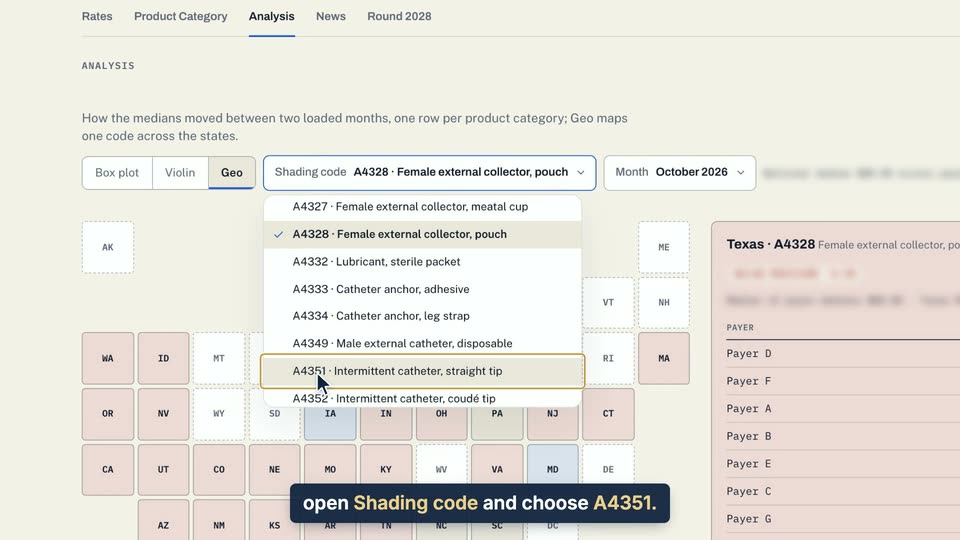
02 On the Geo map, open Shading code and choose A4351. 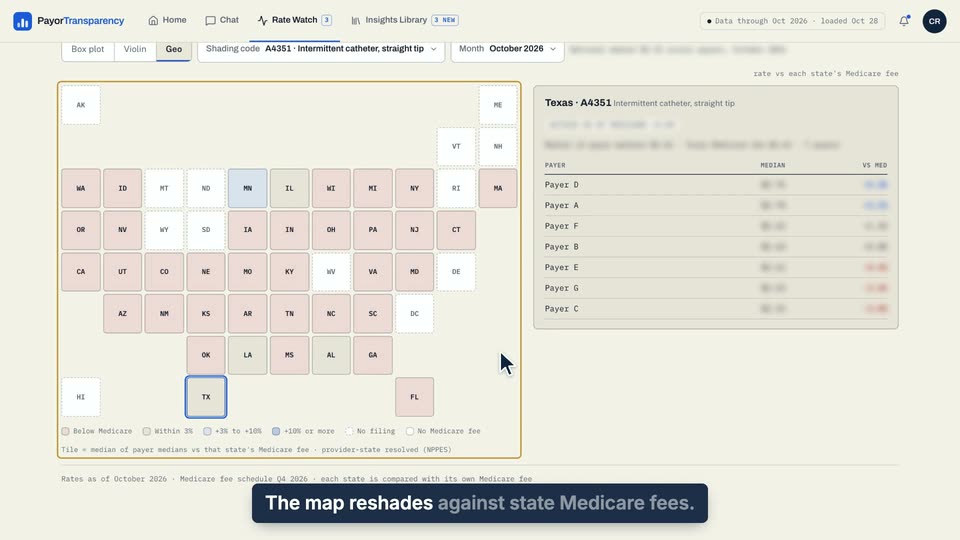
03 The map reshades against state Medicare fees.
- Use case
- How do I see one code across states?
- Feature
- Analysis Geo map
- Task
- Map a code across states