How does each product category compare with Medicare?
In Rate Watch, Product Category draws one shape per category against the Medicare fee, with a table of each category's median below.
1 video · 9 sec in all
Video 1 of 1 · 9 sec
Compare categories against Medicare
Captions are in the video. The steps and the full narration are below.
Step by step
Before you start. Rate Watch opens on the Rates tab for your profile state.
- Click Rate Watch in the top bar, then click Product Category in the row of tabs under the title.
- Under Rates by product category, each violin is one product category. The dashed line marked Medicare is the Medicare fee.
- In the category table, Median vs Med gives each category's median against Medicare, and Median MoM gives its month-over-month move.
What you see. The table lists each category with data, ordered by its median against Medicare.
Tip. Use the State menu to compare categories in another state, or pick National.
Read the narration
In Rate Watch, click Product Category. Each violin is a category against Medicare. The table ranks their medians.
Screens from this video
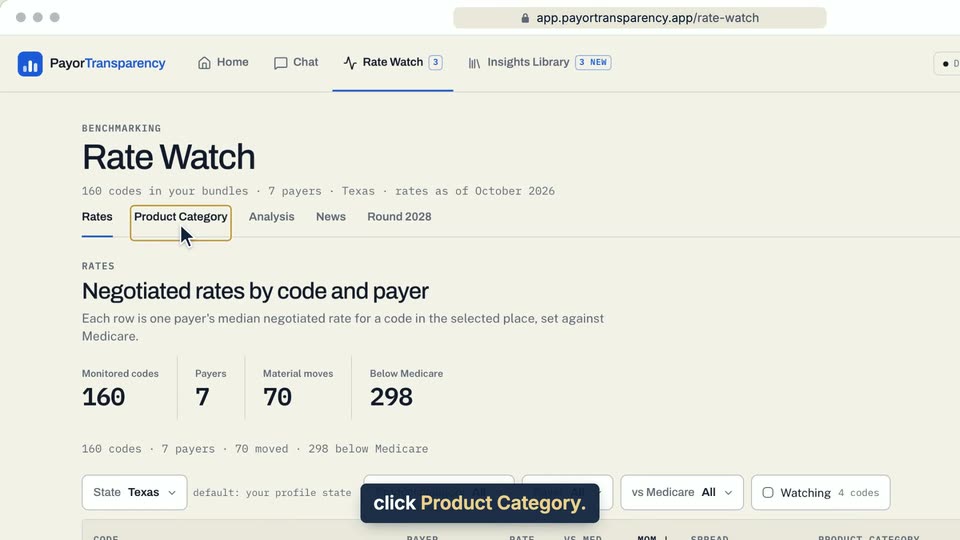
01 In Rate Watch, click Product Category. 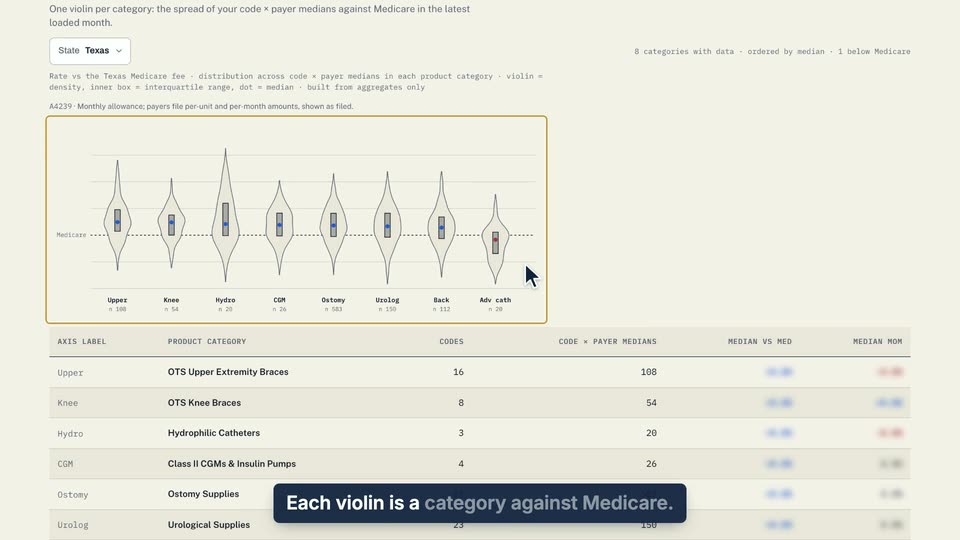
02 Each violin is a category against Medicare. 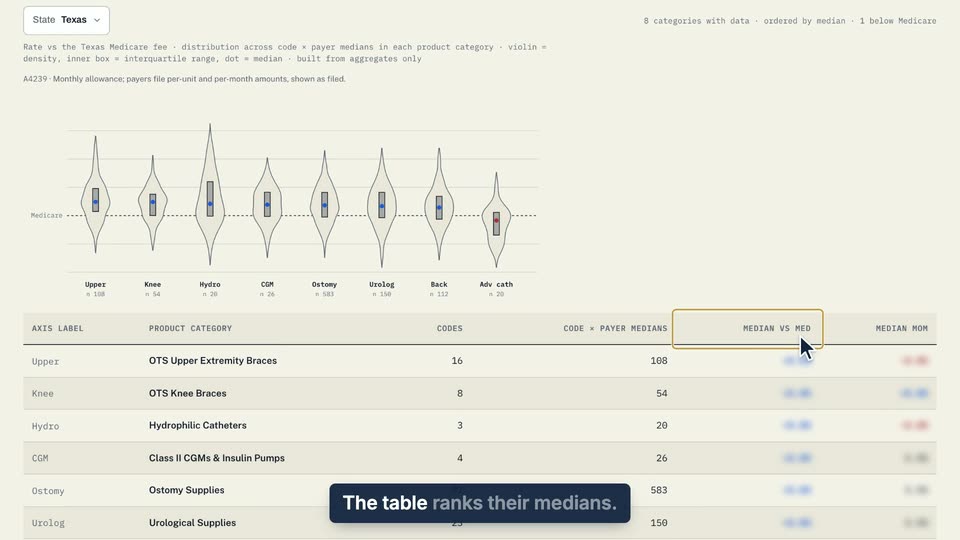
03 The table ranks their medians.
- Use case
- How does each product category compare with Medicare?
- Feature
- Product Category tab
- Task
- Compare categories against Medicare