What does the Home page show me?
Home briefs you on this month's rates for the codes in your bundles. It shows the biggest move in your state, up to three signals, a rate snapshot and a suggested question.
1 video · 10 sec in all
Video 1 of 1 · 10 sec
Read your Home briefing
Captions are in the video. The steps and the full narration are below.
Step by step
Before you start. Home briefs you on this month's rates for the codes in your bundles, in the state saved on your profile.
- Click Home in the top bar.
- Read the Priority signal headline. It names this month's largest payer move in your state.
- Beside it, read Largest move, Payer spread and Codes moved.
- Scroll to Signals for the largest move and the count of payer medians Below Medicare.
- Check the Rate Watch snapshot at the bottom left. It shows up to four payers on one code, with a tick at the Medicare fee.
What you see. You see this month's largest move in your state and where to explore it next.
Tip. With no state saved on your profile, Home shows national figures.
Read the narration
On Home, read the Priority signal, your state's Largest move. Scan Signals below, then the Rate Watch snapshot.
Screens from this video
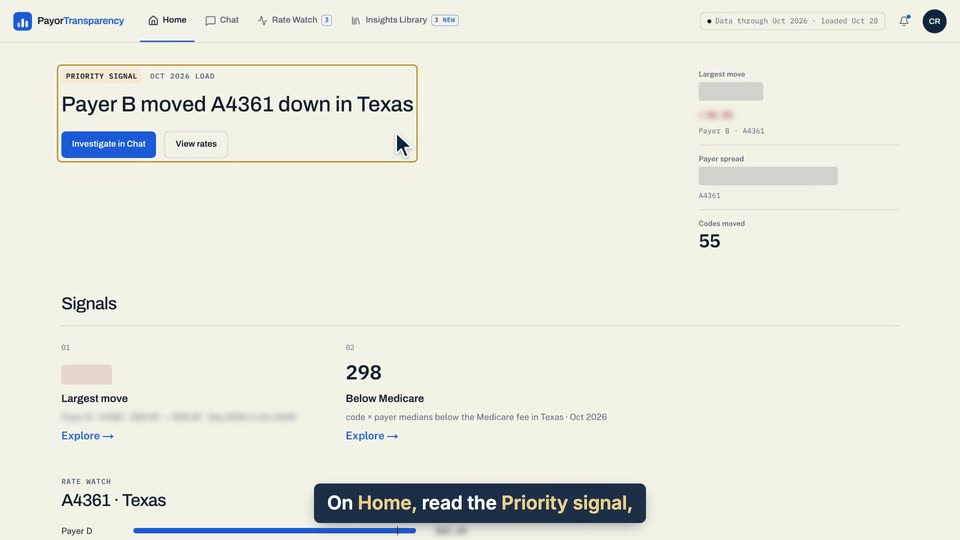
01 On Home, read the Priority signal, your state's Largest move. 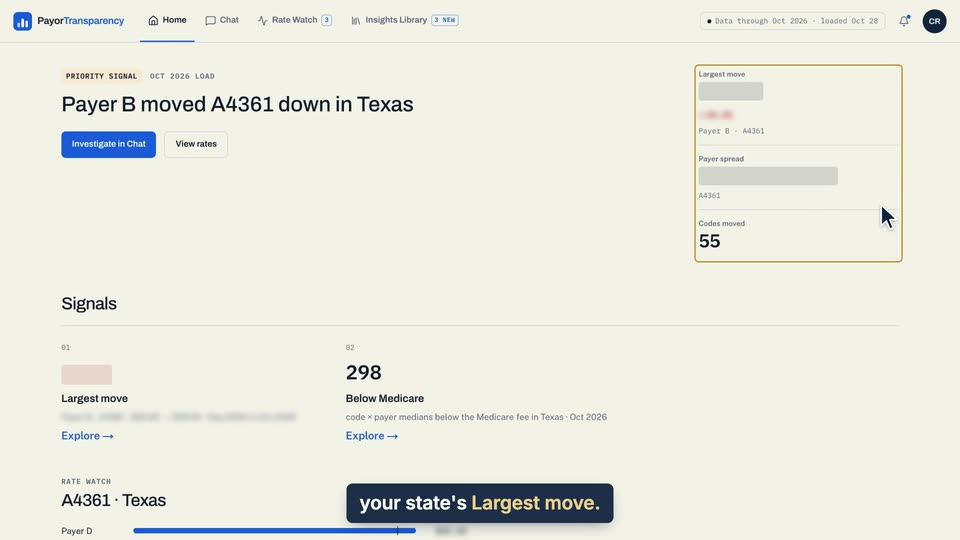
02 On Home, read the Priority signal, your state's Largest move. 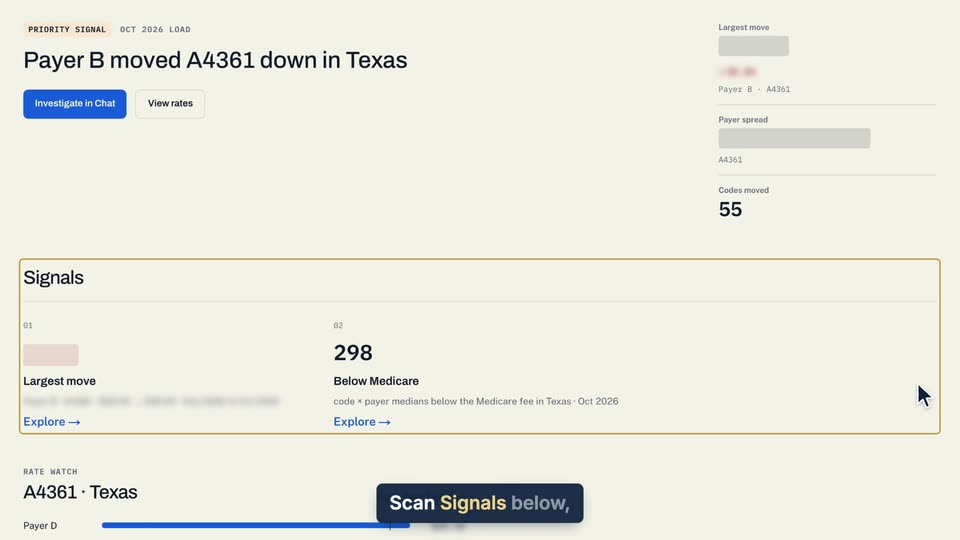
03 Scan Signals below, then the Rate Watch snapshot. 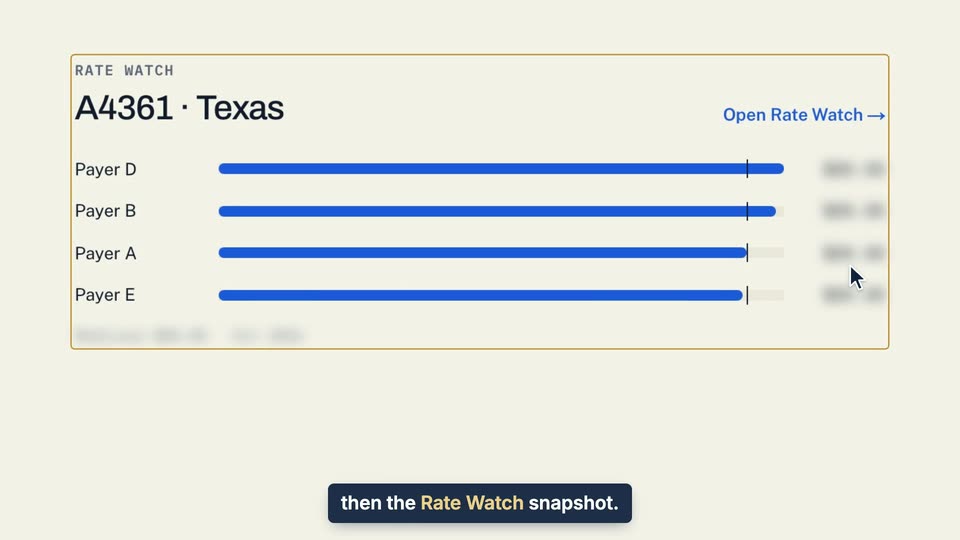
04 Scan Signals below, then the Rate Watch snapshot.
- Use case
- What does the Home page show me?
- Task
- Read your Home briefing