How do I save an answer?
Save insight keeps one answer, frozen, as a brief under Saved in the Insights Library. Save to research keeps the whole conversation.
2 videos · 18 sec in all
Video 1 of 2 · 9 sec
Save an answer as an insight
Captions are in the video. The steps and the full narration are below.
Step by step
Before you start. Ask a question in Chat and let the answer finish.
- Under the answer, click Save insight.
- Add a TITLE or pick a COLLECTION if you like, then click Save insight in the sheet.
- The button becomes Saved to Insights. Click it to open the saved copy.
What you see. The saved answer is also in Insights Library, under Saved.
Tip. A saved answer keeps its numbers. Refresh it later from its own page with Refresh with latest data.
Read the narration
Under an answer, click Save insight. In the sheet, click Save insight. Saved to Insights opens your copy.
Screens from this video
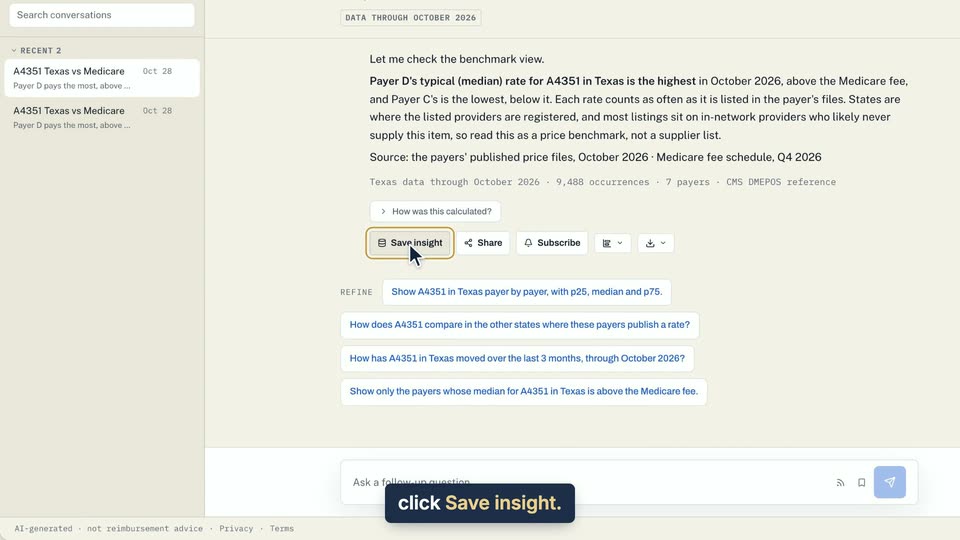
01 Under an answer, click Save insight. 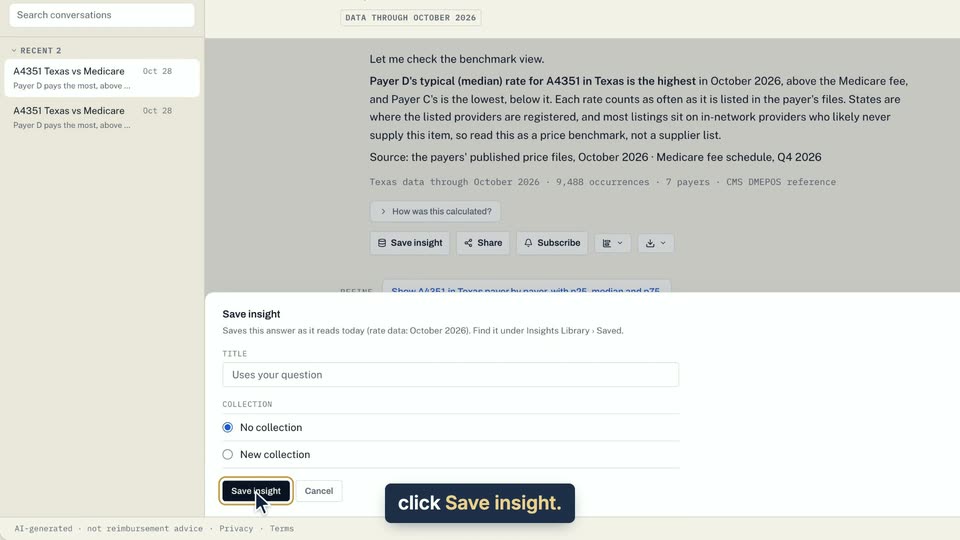
02 In the sheet, click Save insight. 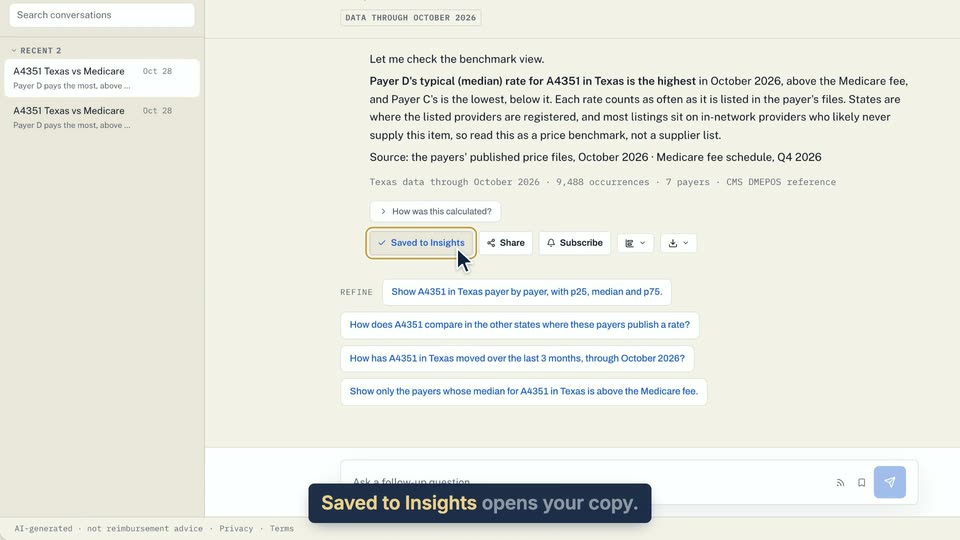
03 Saved to Insights opens your copy.
- Use case
- How do I save an answer?
- Feature
- Save insight
- Task
- Save an answer as an insight
Video 2 of 2 · 9 sec
Save a whole conversation
Captions are in the video. The steps and the full narration are below.
Step by step
Before you start. Open a conversation you started in Chat.
- In the conversation header, click Save to research.
- The button changes to Saved to research.
- To find it later, open Insights Library, then Saved, then Conversations.
What you see. The whole conversation is kept, and clicking Saved to research again removes it.
Tip. Save insight keeps one answer. Save to research keeps the whole thread, which keeps growing.
Read the narration
In a conversation, click Save to research. It reads Saved to research, and Insights Library keeps the thread.
Screens from this video
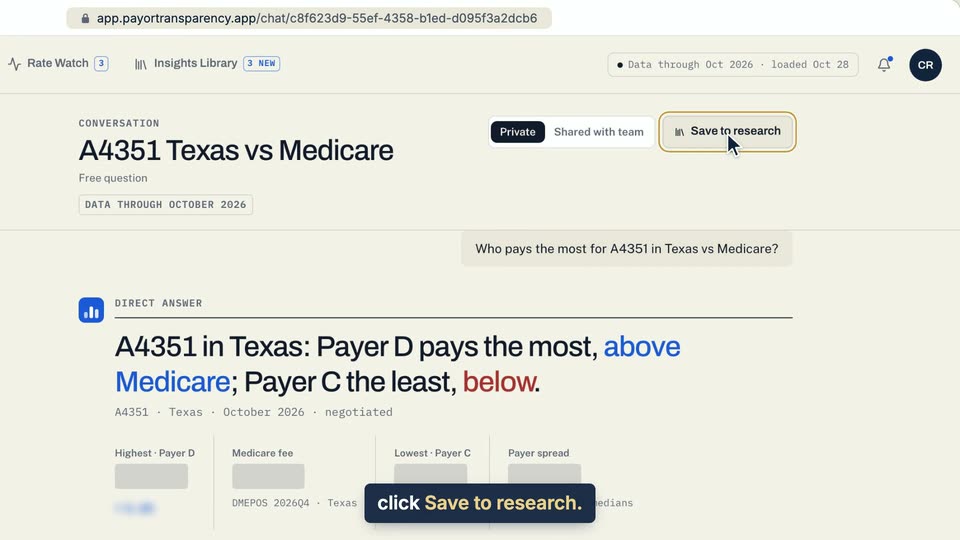
01 In a conversation, click Save to research. 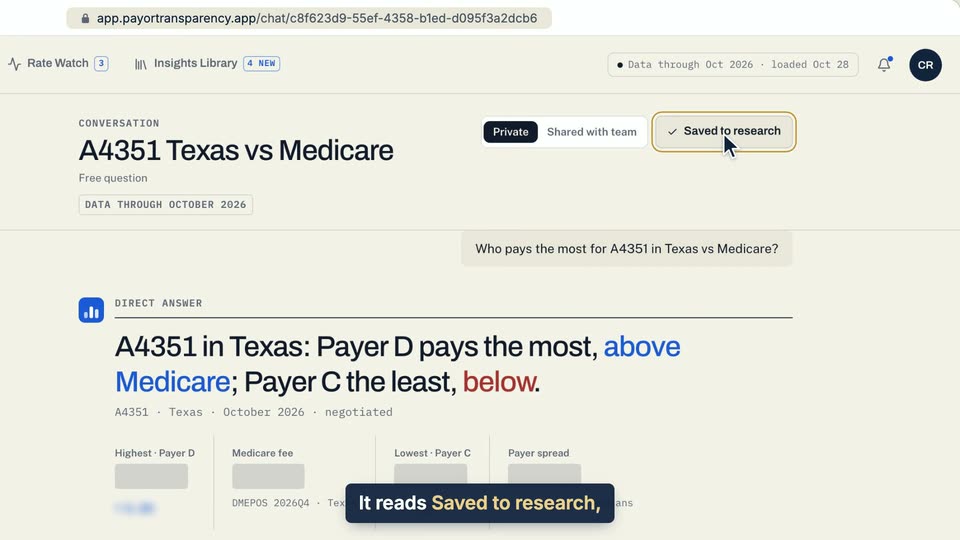
02 It reads Saved to research, and Insights Library keeps the thread.
- Use case
- How do I save an answer?
- Task
- Save a whole conversation