How do I get around the app?
Four tabs across the top take you to Home, Chat, Rate Watch and the Insights Library. Your initials at the top right open the account menu.
1 video · 9 sec in all
Video 1 of 1 · 9 sec
Move between the four tabs
Captions are in the video. The steps and the full narration are below.
Step by step
Before you start. The top bar on every page holds four tabs, Home, Chat, Rate Watch and Insights Library.
- Click Chat, Rate Watch or Insights Library in the top bar. The tab you are on is underlined.
- Click Home, or the PayorTransparency logo at the left, to come back to Home.
What you see. Each tab opens its page, and the underline moves to the tab you picked.
Tip. The number beside Rate Watch counts unread rate alerts, and the NEW badge on Insights Library counts new items since your last visit.
Read the narration
Four tabs run across the top. Click Rate Watch, then Insights Library. Click Home to come back.
Screens from this video
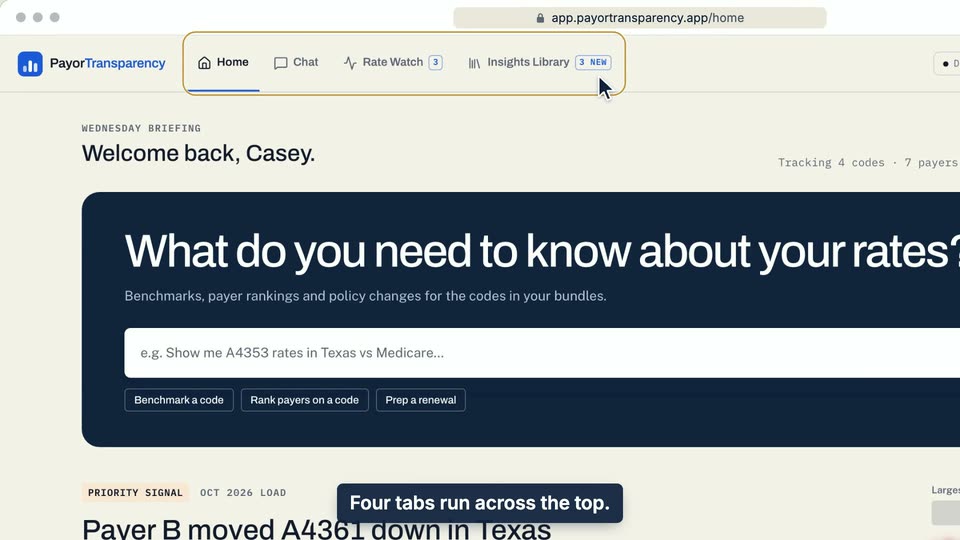
01 Four tabs run across the top. 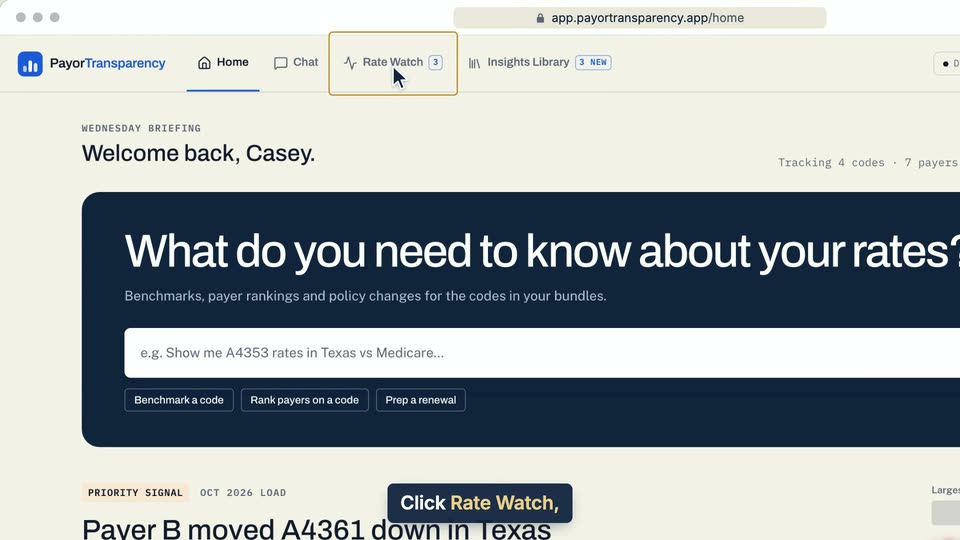
02 Click Rate Watch, then Insights Library. 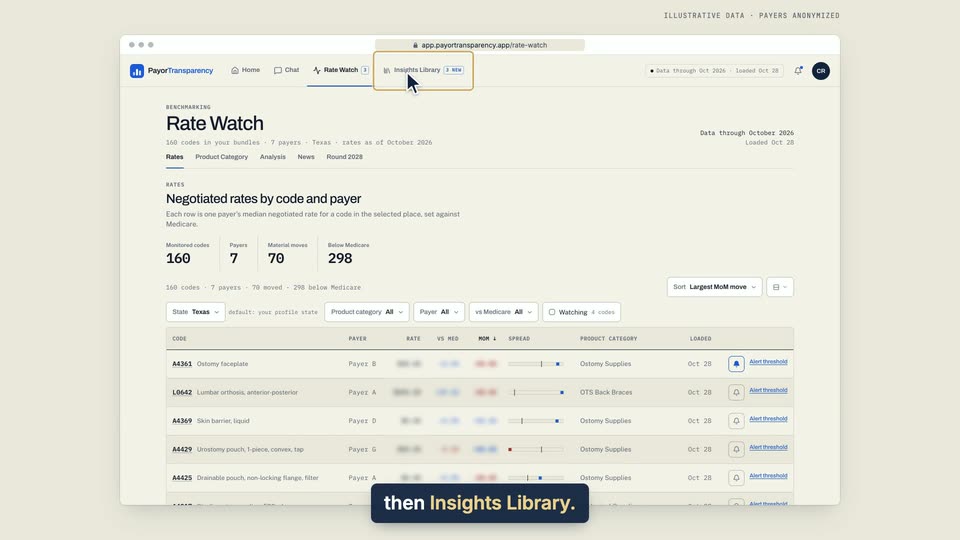
03 Click Rate Watch, then Insights Library. 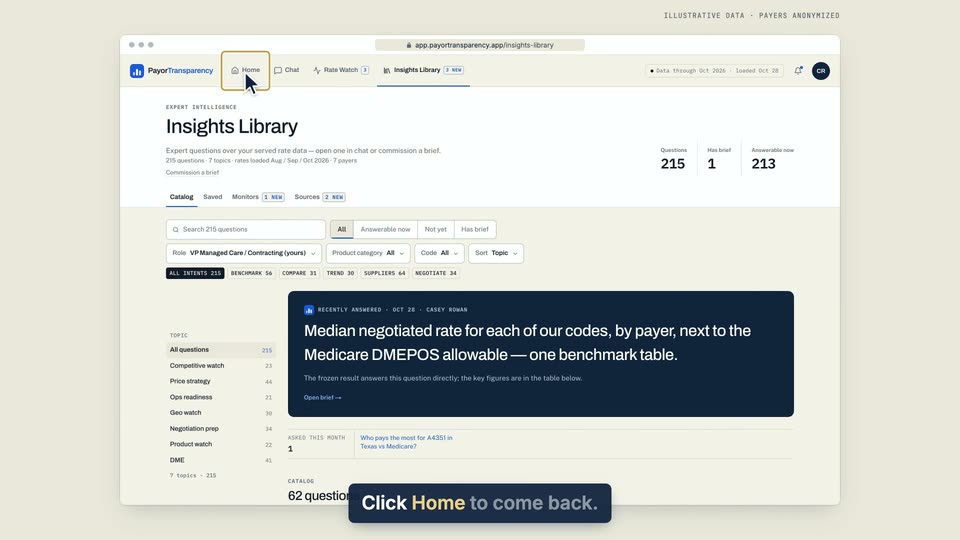
04 Click Home to come back.
- Use case
- How do I get around the app?
- Feature
- Top navigation tabs
- Task
- Move between the four tabs